When to use this article:
Member Care Representatives should use this article when explaining to a member how they can add additional contacts or make changes to current contacts in their app
| A | B | |
| Step | Action | How To |
| 1 | When a member needs to add a contact: Go to the Support Page | 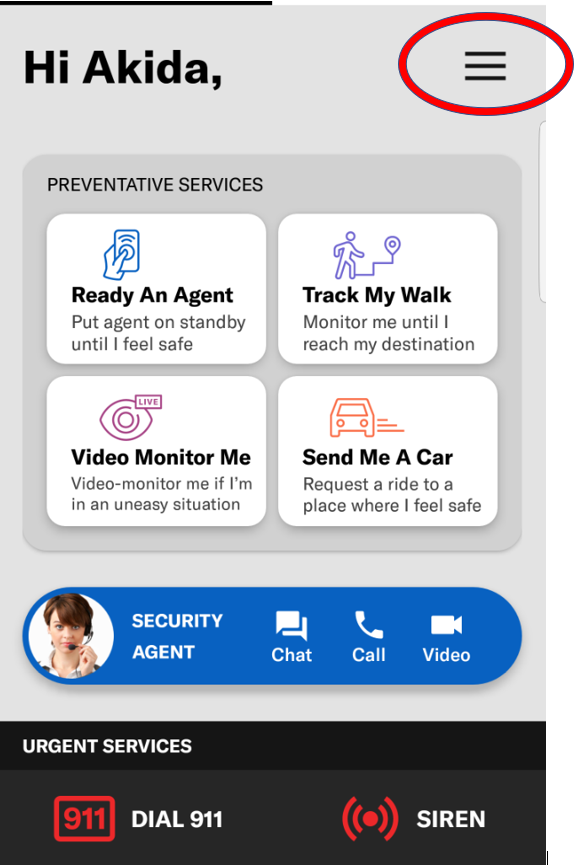 |
| 2 | Click on "Log Out" | 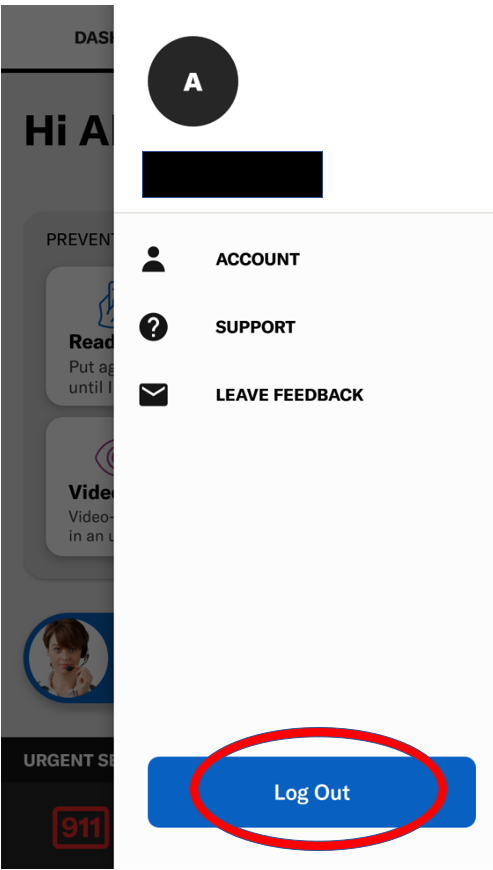 |
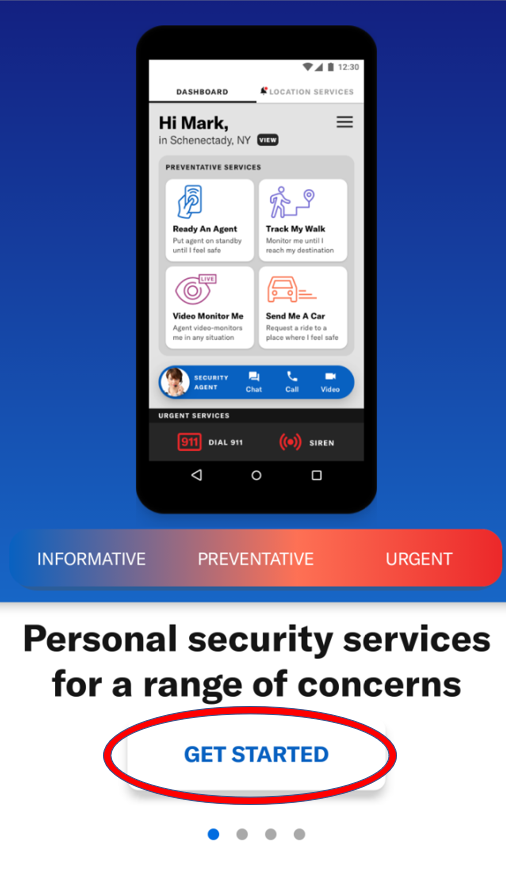
| 3 |
Re-enter your profile information from the “Get Started” page |
 |
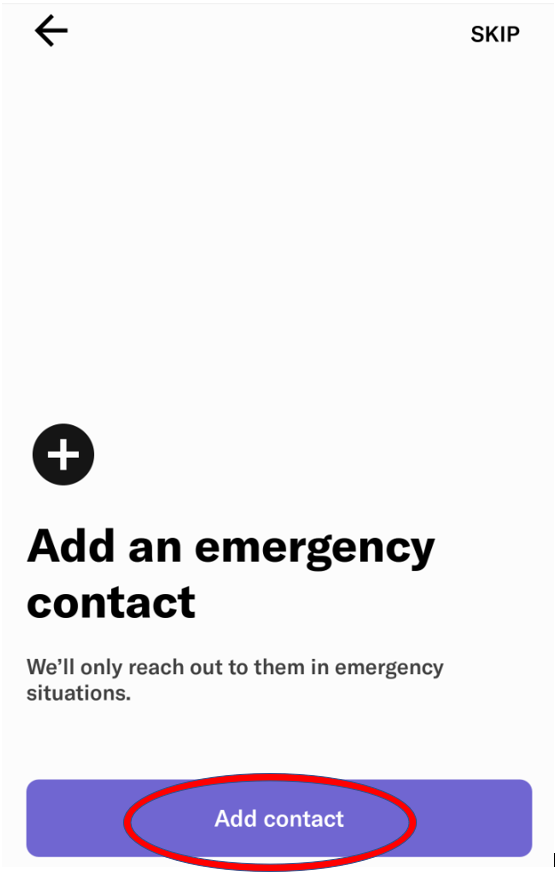
| 4 |
You will be asked to add an emergency contact |
 |
| 5 |
You can now input your desired contact information |
|
| 6 | If a member wants to make a change to current Emergency Contacts, Create a Jira Ticket with the required updates |
Link To Jira |
| 7 | Your all done! | |
Comments
0 comments
Please sign in to leave a comment.